> ## Documentation Index
> Fetch the complete documentation index at: https://docs.meridian.study/llms.txt
> Use this file to discover all available pages before exploring further.
# Introduction
> Welcome to Meridian Developer Documentation
 ## Welcome to Meridian
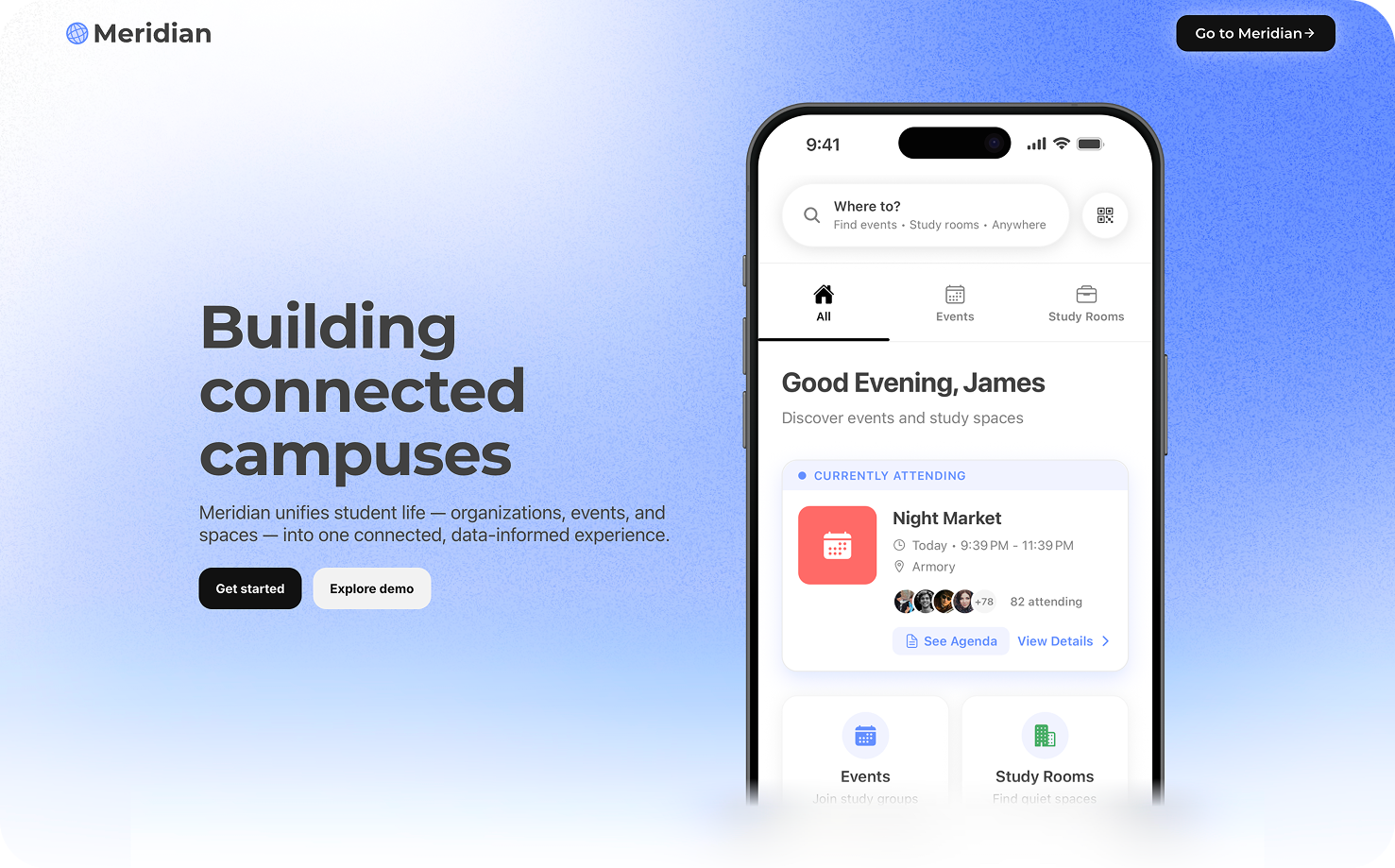
Meridian is a **Student Experience Operating System** that unifies campus systems into a single, data-driven platform. Compass centers utilization and scheduling; Atlas centers clubs and organizations; Beacon centers events with approval routing and stakeholders—each with dedicated reporting, sharing data where the domains overlap.
## Platform Overview
Meridian consists of four integrated modules. **Compass**, **Atlas**, and **Beacon** each have their own reporting surfaces; they share data and workflows but are framed around different institutional jobs.
Utilization, scheduling, and space-time coordination: how rooms and resources are used, booked, and measured, with Compass-specific reporting.
Clubs and registered organizations: directory, membership, governance, permissions, and org-side operations, with Atlas-specific reporting.
Events, approval routing, and the stakeholder model: sign-off chains, role-based routing, and the event lifecycle, with Beacon-specific reporting.
Authentication, APIs, and platform infrastructure. Configure SAML, explore APIs, and set up integrations.
## Key Features
* **Unified Campus Experience**: Single platform for all campus services
* **Real-time Space Intelligence**: Live availability, ratings, and feedback for study spaces
* **Automated Workflows**: Reduce approval processing time by up to 70%
* **Multi-tenant Architecture**: Secure, isolated configurations per university
* **SAML & OAuth Integration**: Flexible authentication options for students and staff
* **Mobile & Web**: Cross-platform applications for iOS, Android, and web
## Getting Started
Local Meridian install, Events-Backend, and first run
React web app conventions, API access (`useFetch`, `postRequest`), and quality
Integrate SAML authentication for university SSO
Explore the REST API endpoints and documentation
## Architecture
Meridian is built with a modern tech stack:
* **Frontend**: React with SCSS, Context API for state management
* **Backend**: Node.js/Express with MongoDB (Mongoose)
* **Mobile**: React Native (Expo) for iOS and Android
* **Real-time**: WebSocket integration for live updates
* **Authentication**: SAML 2.0 and OAuth 2.0 support
## Related pages
Local Meridian install on macOS or Windows: stack, `meridian setup`, and first commands.
Day-to-day workflow, debugging tips, and common fixes.
How Meridian signs users in: passwords, Google, Apple, JWTs, and SAML at a glance.
Backend and frontend test commands and how CI mirrors them.
Global users, SSO across subdomains, and how `req.user` is resolved.
HTTP APIs documented on this site and how clients authenticate.
## Welcome to Meridian
Meridian is a **Student Experience Operating System** that unifies campus systems into a single, data-driven platform. Compass centers utilization and scheduling; Atlas centers clubs and organizations; Beacon centers events with approval routing and stakeholders—each with dedicated reporting, sharing data where the domains overlap.
## Platform Overview
Meridian consists of four integrated modules. **Compass**, **Atlas**, and **Beacon** each have their own reporting surfaces; they share data and workflows but are framed around different institutional jobs.
Utilization, scheduling, and space-time coordination: how rooms and resources are used, booked, and measured, with Compass-specific reporting.
Clubs and registered organizations: directory, membership, governance, permissions, and org-side operations, with Atlas-specific reporting.
Events, approval routing, and the stakeholder model: sign-off chains, role-based routing, and the event lifecycle, with Beacon-specific reporting.
Authentication, APIs, and platform infrastructure. Configure SAML, explore APIs, and set up integrations.
## Key Features
* **Unified Campus Experience**: Single platform for all campus services
* **Real-time Space Intelligence**: Live availability, ratings, and feedback for study spaces
* **Automated Workflows**: Reduce approval processing time by up to 70%
* **Multi-tenant Architecture**: Secure, isolated configurations per university
* **SAML & OAuth Integration**: Flexible authentication options for students and staff
* **Mobile & Web**: Cross-platform applications for iOS, Android, and web
## Getting Started
Local Meridian install, Events-Backend, and first run
React web app conventions, API access (`useFetch`, `postRequest`), and quality
Integrate SAML authentication for university SSO
Explore the REST API endpoints and documentation
## Architecture
Meridian is built with a modern tech stack:
* **Frontend**: React with SCSS, Context API for state management
* **Backend**: Node.js/Express with MongoDB (Mongoose)
* **Mobile**: React Native (Expo) for iOS and Android
* **Real-time**: WebSocket integration for live updates
* **Authentication**: SAML 2.0 and OAuth 2.0 support
## Related pages
Local Meridian install on macOS or Windows: stack, `meridian setup`, and first commands.
Day-to-day workflow, debugging tips, and common fixes.
How Meridian signs users in: passwords, Google, Apple, JWTs, and SAML at a glance.
Backend and frontend test commands and how CI mirrors them.
Global users, SSO across subdomains, and how `req.user` is resolved.
HTTP APIs documented on this site and how clients authenticate.